How MMDVM Works
Discover the step-by-step guide to leveraging MMDVM technology, empowering you to enhance your ham radio experience effectively.

Step One: Setting Up Your MMDVM
Our guide helps you configure your MMDVM system to meet your unique amateur radio requirements.
- MMDVM device [no brand]
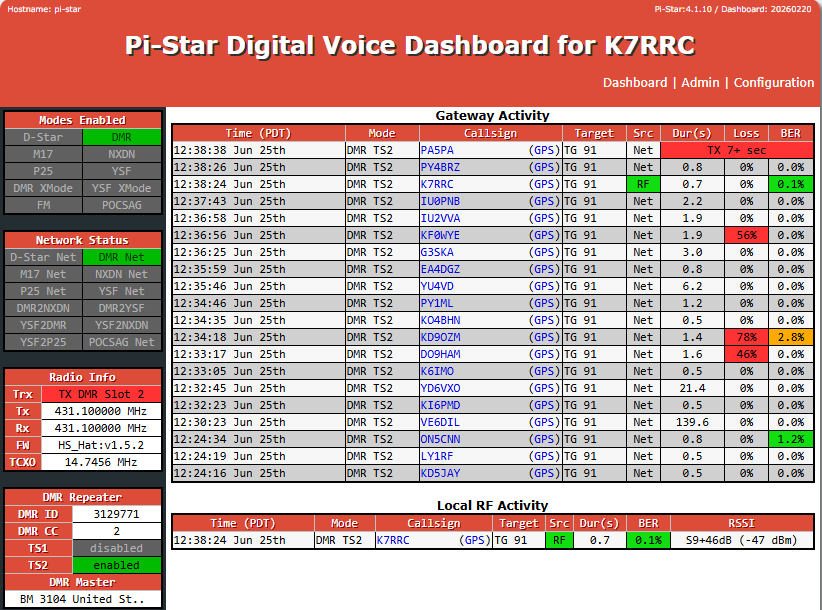
- pi-star image
- at least 16GB micro SSD card
- equivalent power supply [USB]
- internet wired connection

Step Two: Operating Modes
Explore how to switch between digital voice modes for seamless communication and performance.
- your DMR ID?
- acquire at radioID.net
- prepare copy of license for upload verification
- get a copy from FCC site

Step Three: Advanced Features
Unlock advanced settings designed to maximize reliability and expand your radio capabilities.
- download latest image of pi-star apps
- burn to SSD card
- boot up with your device
- then follow thru to configure
- once your done the last configuration is you DMR radio with code plug!
Step Four: Your DMR Radio
Unlock advanced settings designed to maximize reliability and expand your radio capabilities.
- find download the apps for the radio
- read radio and save first read for reference
- review all the features
- start working on the code plugs according to you own preference
- check with other operators setup to get tips and ideas
Unlock In-Depth MMDVM Knowledge
Dive into comprehensive guides and expert tips to master Multi-Mode Digital Voice Modem technology.

Las Vegas DMR Repeater Locations
List of DMR locations in Vegas Valley
- Mt High Potosi UHF MTR3000 100watts – 8500 ft elevation
- Mt High Potosi VHF XPR8380 35watts – 8500 ft elevation
- Sahara site VHF XPR8300 100watts – 2500 ft. elevation
- Sahara site UHF XPR8300 100watts 2500 ft. elevation

Las Vegas DMR TX Frequencies
List of DMR Frequencies in Vegas Valley
- 449.975 TS1 CC15
- 146.790 TS1 CC15
- 147.435 TS2 CC2
- 445.700 TS2 CC2

Las Vegas DMR Talk Groups
List of Talk Group in Vegas Valley
- Worldwide 91
- the Bridge 3100
- Las Vegas 8900
- Nevada 3132
- Local 31327
- TAC310